
Dragon Detector
Wi-Fi and Bluetooth detection, signal tracking, and logo watch faces for five ESP32-S3 displays.
Web flasher available: Install from the independent host. The original GitHub Pages address and GitHub-hosted images are temporarily unavailable. Source, artwork and release files are intact; existing devices are unaffected. Hosting status.
Install firmware · Latest release · User guides · Clock setup
Clock and timer power saving
On every board, the clock and stopwatch/Locksport Timer pause background Wi-Fi and Bluetooth scanning. Lap history and time/date settings also stay paused. Return to the radar or other tools to resume scanning; a running timer keeps counting in the background. Previously configured Wi-Fi clock recovery may briefly connect for time synchronization. See power-saving behavior.
Personal themes and DZ_AZ
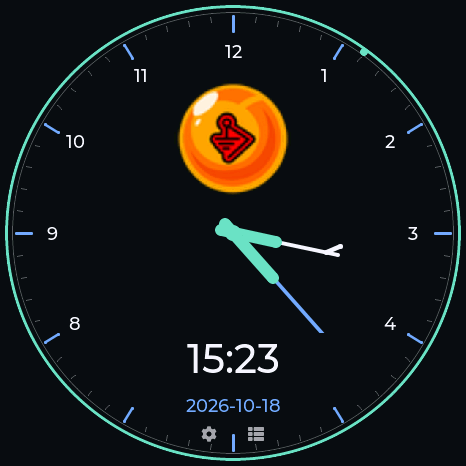
Build your own clock, radar and counter in the Custom theme tab. Add a logo, choose colors, hands and numerals, and enable locksport controls. The personal slot appears on the device only after you explicitly install a design. Creator guide.
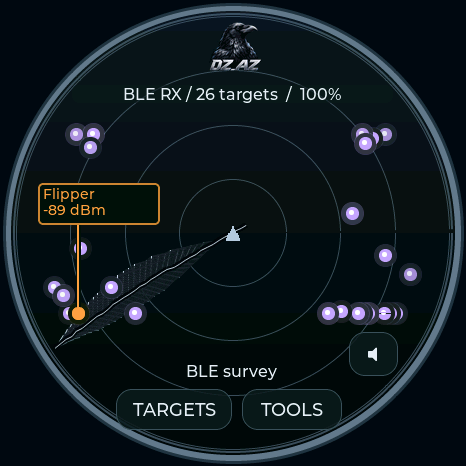
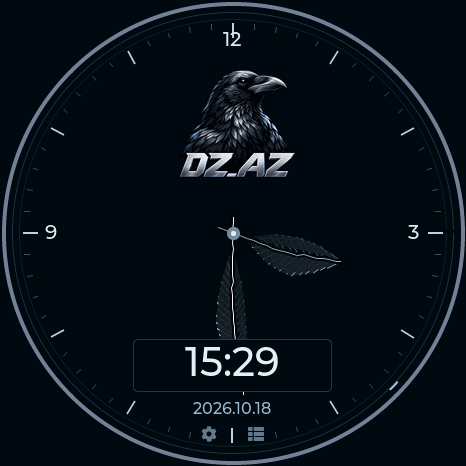
DZ_AZ adds a crow-and-name emblem, rotating feather radar sweep, and short/long feather clock hands. Theme guide.
| DZ_AZ radar | DZ_AZ clock | Personal theme example |
|---|---|---|
 |
 |
 |
Install
- Open the web flasher in desktop Chrome or Edge and connect your board with a USB data cable.
- Select the exact board. Use Update matching Dragon Detector for a compatible installation, or Fresh install for a new board. Fresh install replaces saved files and settings.
- Choose Connect & install and keep USB connected until installation and automatic date/time verification finish.
Installation and recovery · M5Burner package · Release checksums
Supported hardware
| Board | Display | Controls and peripherals |
|---|---|---|
| Waveshare ESP32-S3-Touch-AMOLED-1.75C | 466 × 466 AMOLED | Touch, BOOT/PWR, 32 MB flash |
| M5Stack StopWatch C152 | 466 × 466 AMOLED | Touch, yellow/blue buttons, RTC, haptics, 16 MB flash |
| Spotpear / Guition JC3636W518 | 360 × 360 LCD | Touch, optional microSD, 16 MB flash |
| Seeed XIAO ESP32-S3 + Round Display | 240 × 240 LCD | Touch, RTC, microSD, 8 MB flash |
| Waveshare ESP32-S3-LCD-1.28 Lite | 240 × 240 LCD | BOOT button, 16 MB flash; no touch |
The four full boards share the radar, 34 built-in themes, 32 built-in logo watch faces, timers, notebook, badge editor, radio tools, and BLE Lab. StopWatch and Waveshare AMOLED support 2 MiB captures and 2 MiB recon sessions. Their total file storage differs.
Lite provides five button-operated pages: radar, clock, timer, signals, and diagnostics. It shares detection and all 34 built-in themes, with compact clocks. It does not include Badge Studio, audio, or active labs.
Firmware is board-specific. The Waveshare 1.75C and non-C models have different wiring. Hardware guide · Feature comparison · Tested hardware and limitations
Radar and watches
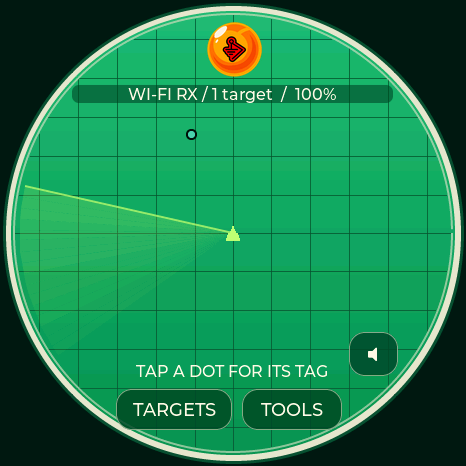
| Dragon Ball | Covert Instruments × McNally | Logo watch |
|---|---|---|
 |
 |
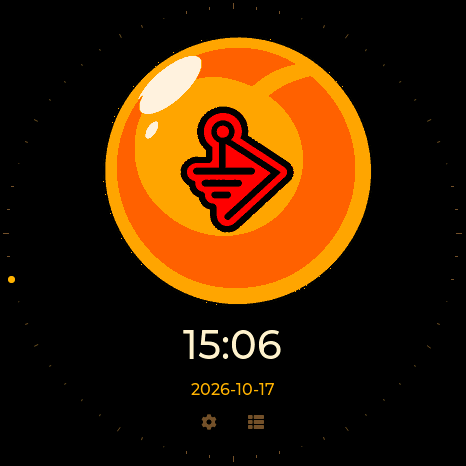 |
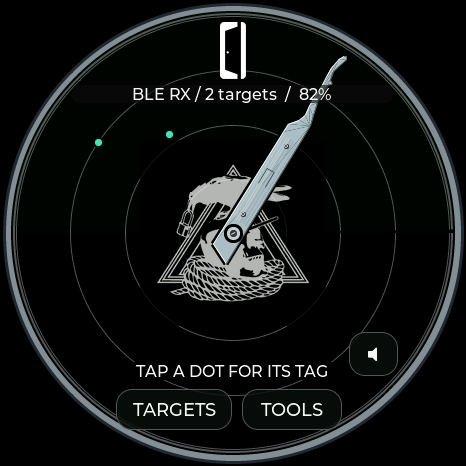
Choose a theme in Settings → Theme & radar labels. It applies to the radar, matching clock, menus, and dialogs. The Dragon Ball/BWM animation appears at power-on on every board. Swipe the clock to choose another watch face.
The collection includes maker, community, character, and locksport designs. Browse the theme gallery · Watch controls · Artwork credits
Capsule Corp
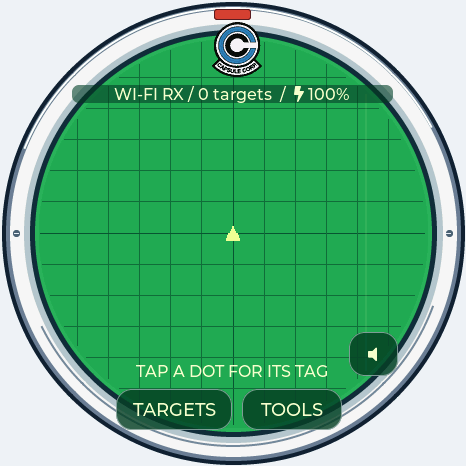
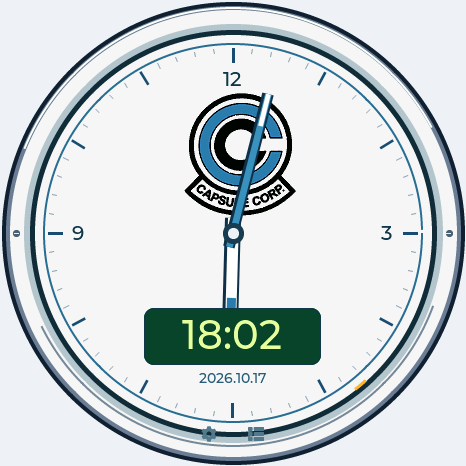
A silver Dragon Radar bezel, emerald grid and yellow signal markers, paired with a white-and-blue Capsule Corp chronometer. Included on all five boards, with matching menus on the full profiles. Theme guide.
| Radar | Watch |
|---|---|
 |
 |
Sparrows
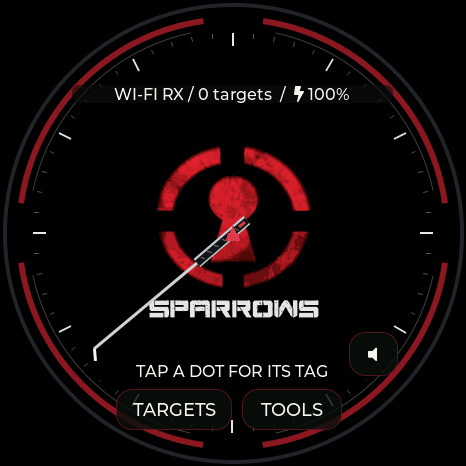
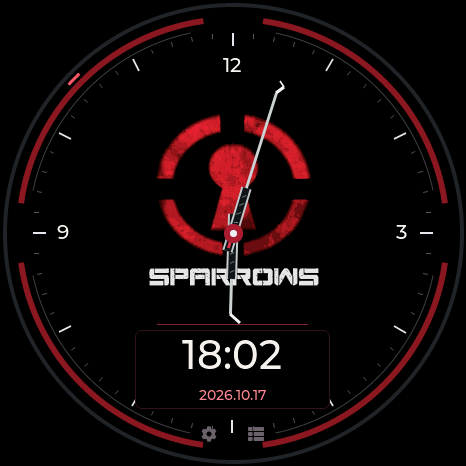
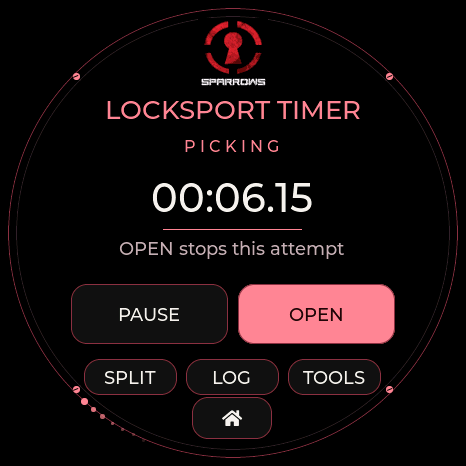
Black, red and steel with the supplied keyhole emblem, a hook sweep and pick-shaped clock hands. The Locksport Timer includes SPLIT, OPEN and a moving rim. Theme guide.
| Radar | Watch | Locksport Timer |
|---|---|---|
 |
 |
 |
Locksport
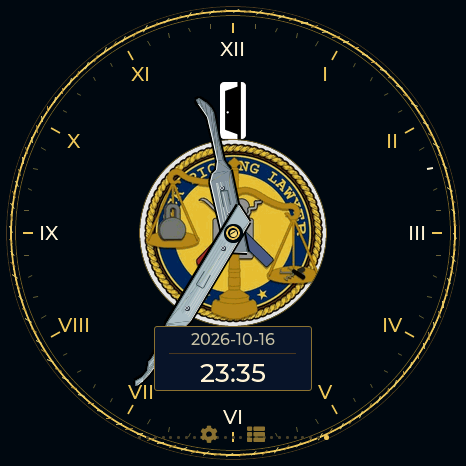
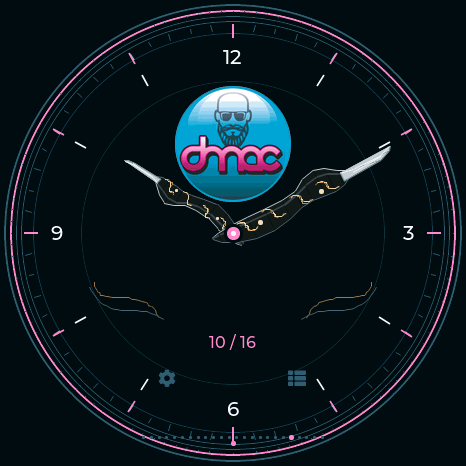
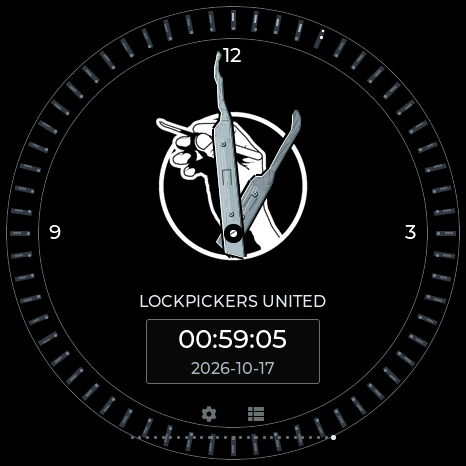
| McNally × Covert Instruments | LockPickingLawyer × CI | DMAC | Lockpickers United |
|---|---|---|---|
 |
 |
 |
 |
 |
 |
 |
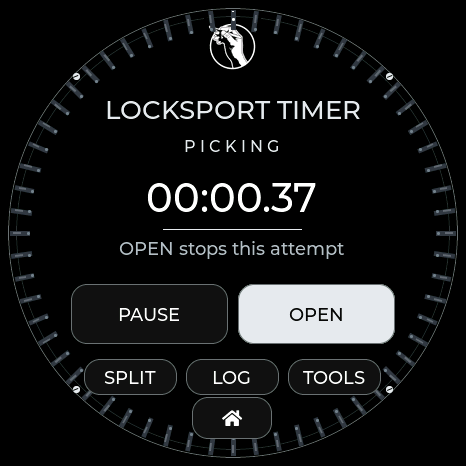 |
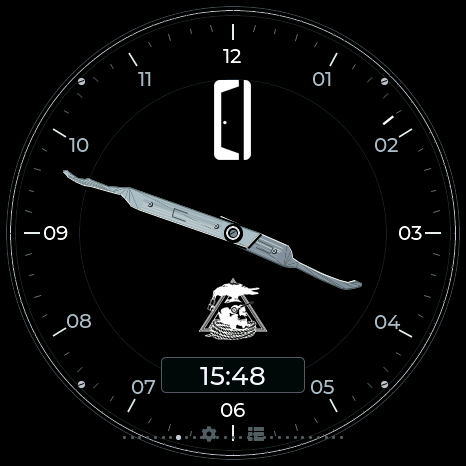
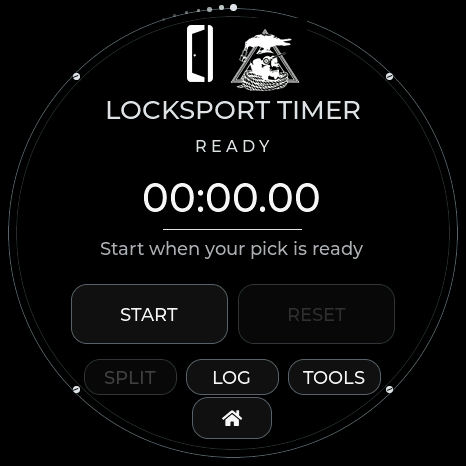
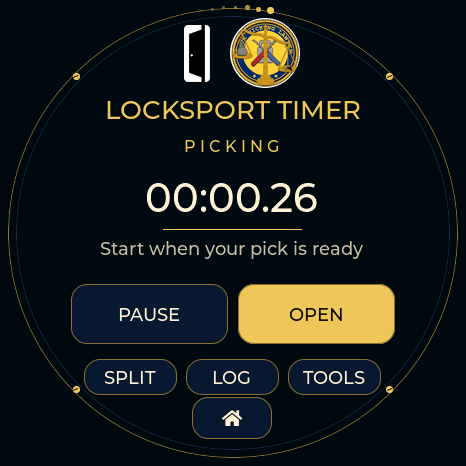
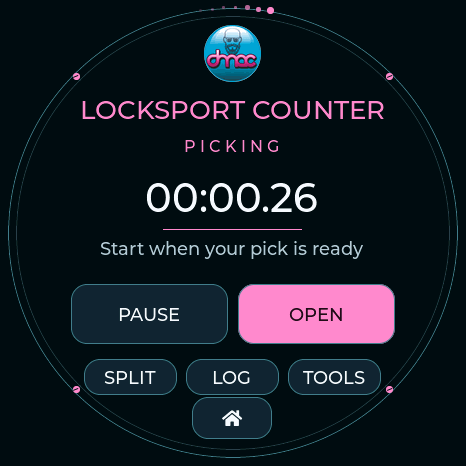
START / PAUSE controls the attempt, SPLIT records a milestone, and OPEN records the finish. The rim animates while counting and stops when paused. LOG holds the latest 50 splits until reset or reboot. TOOOL and TOOOL Dark also include matching locksport timers.
Images are firmware display captures. Locksport gallery
Tools
- Detection and Hunt: Wi-Fi/BLE signature matching, evidence labels, filtered signal strength, per-family alerts, watch/ignore rules, and local encounter history.
- Recon: surveys, protocol counters, packet captures, sessions, and CSV exports. Recon guide
- BLE Lab: GATT inspection, explicit pairing, profile storage, emulation, and a cached-read bridge. Capabilities and limits
- Clock and timers: analog/digital watches, stopwatch, locksport timing, and separate Time, Date, and Sync settings. USB sets local time and timezone. Devices without an external RTC need USB or configured Wi-Fi after complete power loss. Clock setup
- Badge Studio: prepare and upload your own artwork from the browser. Open Studio
Detection matches observable radio signatures; it does not establish intent, ownership, or recording state. Radar radius represents signal strength, and its angle is decorative. Silent devices, Bluetooth Classic, and 5/6 GHz Wi-Fi are outside coverage. Detection evidence
Development
Build instructions · Security · Release notes
| Directory | Contents |
|---|---|
firmware/ |
Shared application and board adapters |
web/ |
USB flasher, personal-theme creator, device tools, and Badge Studio |
tools/ |
Build, packaging, and validation scripts |
tests/ |
Native firmware and browser-module tests |
hardware/ |
Board partitions and archived projects |
docs/ |
Setup guides, architecture, and validation |
CI tests the firmware core and browser modules, builds all five profiles, and publishes matching firmware, manifests, and SHA-256 checksums. Historical projects under hardware/ retain their original licenses and are not current update targets.
Credits and license
Original application, web, and tooling code: MIT, Your Pal Kal / Valleytech Custom Solutions. Dependencies, reference research, and supplied artwork retain their own rights and notices. Attributions
Dragon Detector is an independent project. Brand and character artwork does not imply affiliation or endorsement.